Home: live briefing
Use Home for a fast market pulse: spot an active token, compare its short trend, or jump directly into the evidence behind a copy-trade candidate. Treat the live figures as discovery signals, then open the corresponding detail page before drawing conclusions.
| Surface | Displayed information |
|---|---|
| Headline | Create Events with Unique Creators; Trade Events with Unique Accounts; Buy Volume with Sell Volume; and the Mayhem bot's current buy adjustment with its last-five-minute sell adjustment. Counts come from live metrics and quote flow is normalized to SOL. |
| Tokens | Image, name, symbol, mint, quote/type/fee tags, buy and sell SOL, buy and sell event counts, short market-cap trend and estimated market cap. |
| Token controls | Switch table or treemap; sort by creation time or market cap; Freeze preserves current row order and hides newly arriving mints. |
| Copy-trade accounts | Today-rated account, rating, overall score, Profit Quality, Robustness, Copyability, Trading Purity, Sample Confidence, closed positions, win/loss counts and last activity. The star adds or removes the wallet from the browser watch list. |
Today Overview: totals and trend cards
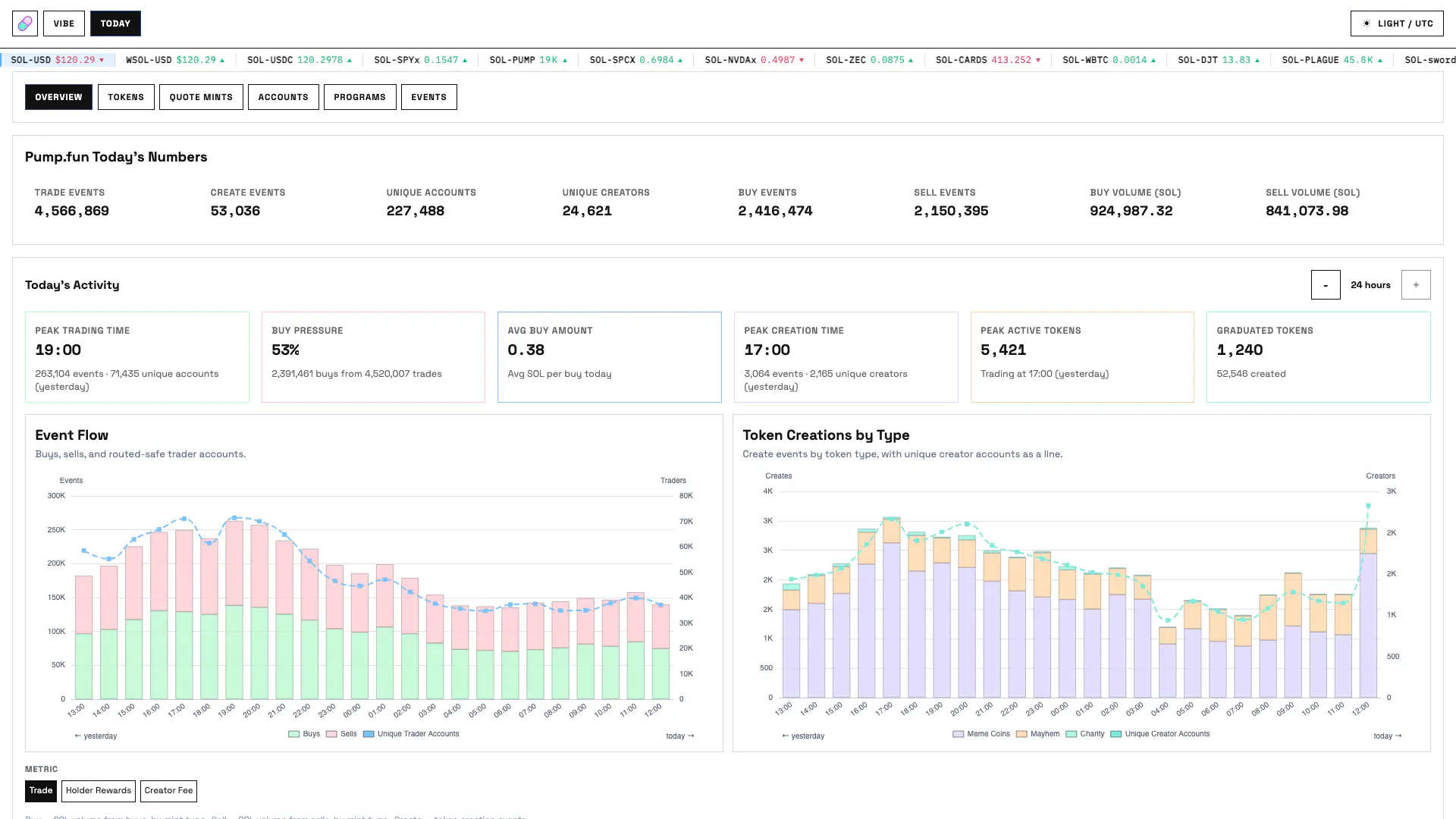
The interval stepper selects one to 24 hours. Event Flow plots buys, sells, and routed-safe unique trader accounts. Token Creations by Type plots Meme Coin, Mayhem, and Charity creations with unique creators.
The lower token-type widgets switch between Trade, Holder Rewards and Creator Fee. Trade offers buy volume, sell volume or create count. Holder Rewards offers allocated, core-swept, buy or sell values. Creator Fee offers earned, core-swept, claimed or buy-plus-sell fee-bearing volume.
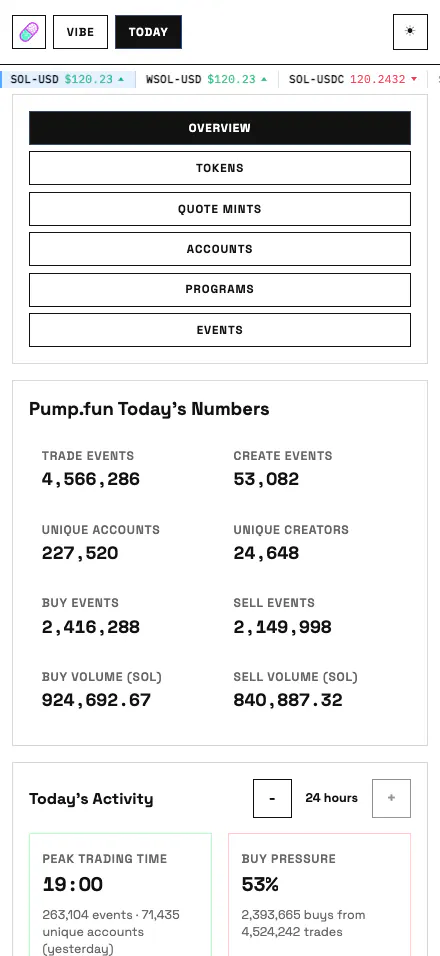
Use Overview to compare market timing and token categories without choosing a mint first. The hour stepper is especially useful for separating a short activity spike from the full 24-hour picture.
| Metric | Meaning |
|---|---|
| Trade Events / Create Events | Decoded event counts in the live daily overview snapshot. |
| Unique Accounts / Unique Creators | Distinct routed-safe trader accounts and creator accounts observed for the snapshot. |
| Buy Events / Sell Events | TradeEvent side counts. |
| Buy Volume / Sell Volume | Observed quote flow normalized to SOL. |
| Peak Trading Time | Selected-window bucket with the most trade events, accompanied by events and unique trader accounts. |
| Buy Pressure | Buy event count divided by buy plus sell event count in the selected chart window. |
| Avg Buy Amount | Daily buy lamports divided by daily buy event count. |
| Peak Creation Time | Selected-window bucket with the most CreateEvent records, accompanied by unique creators. |
| Peak Active Tokens | Selected-window bucket with the greatest number of unique traded tokens. |
| Graduated Tokens | CompletePumpAmmMigrationEvent count in the selected window, shown next to the independent CreateEvent total. |
Today Events
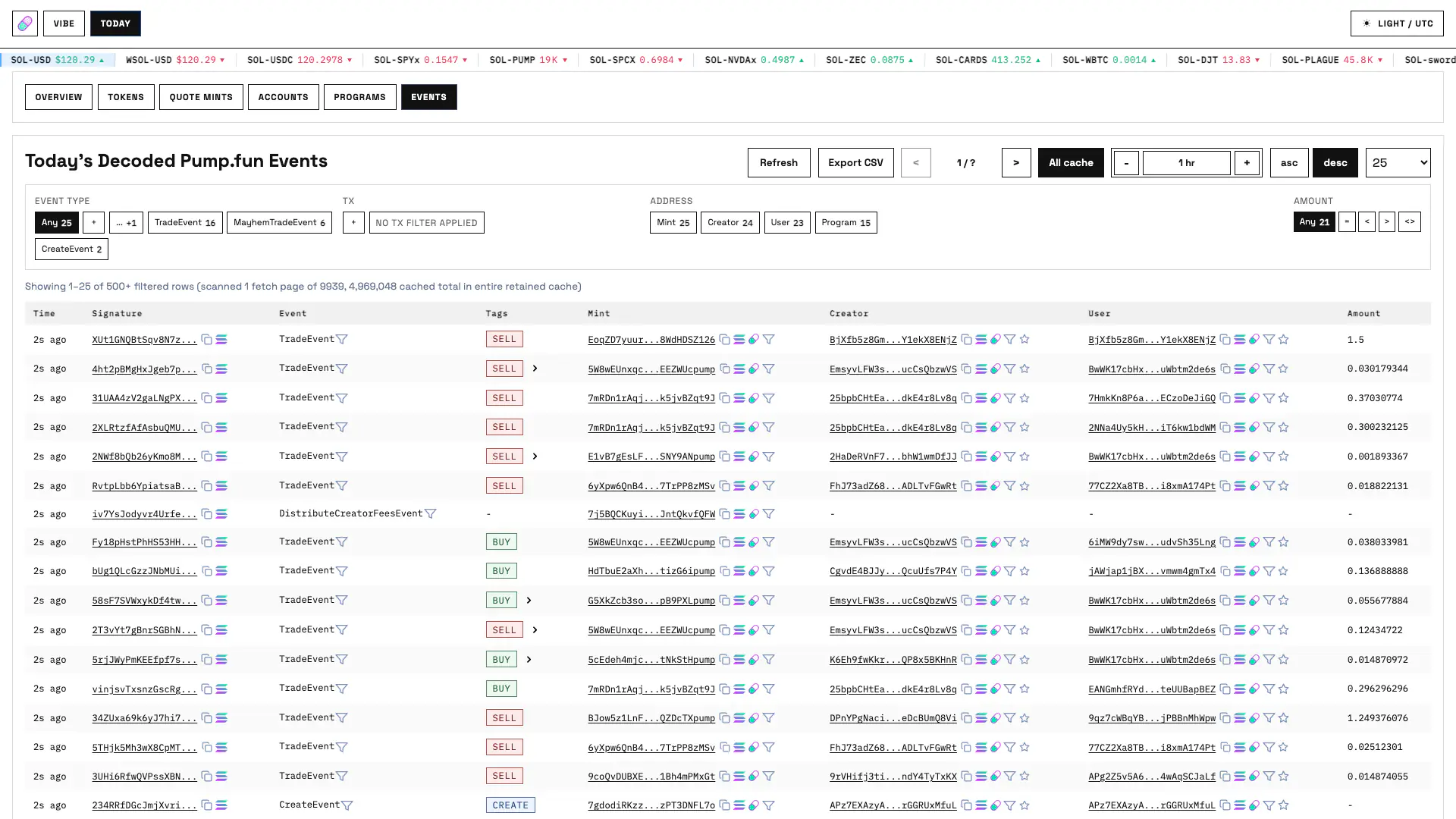
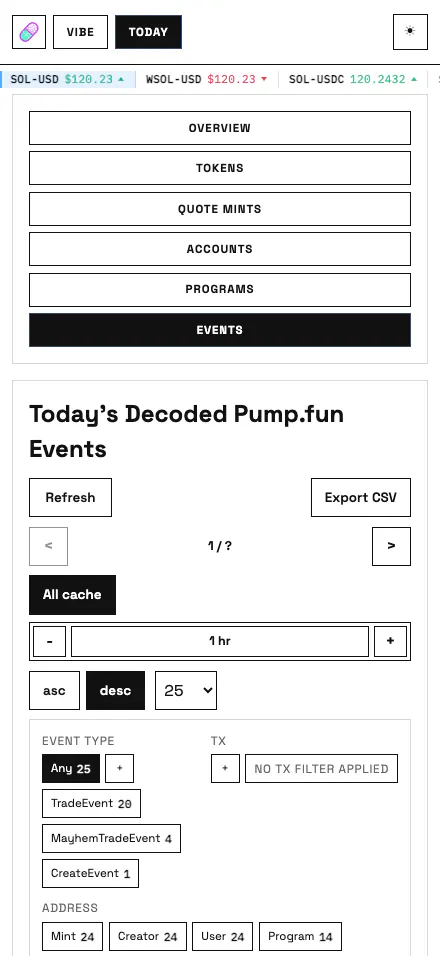
Use Today Events when you need auditable transaction-level evidence, a reproducible server query or a CSV handoff. Start broad, then combine event, transaction, address, program and amount filters to isolate the rows you need.
| Area | Functionality |
|---|---|
| Default columns | Relative time, signature, event type, derived action, mint, creator, user and normalized amount. |
| Exact event view | Selecting one event type replaces generic columns with that event's decoded schema fields. |
| Filters | Event type, exact transaction signature, up to three addresses each for mints, creators, and users, a route program, and an amount filter (equal to, less than, greater than, or between). |
| Window and ordering | The full retained cache or a five-minute-to-24-hour rolling window in five-minute steps, with ascending or descending timestamp order. |
| Table actions | Manual refresh, CSV export, previous/next pages and page sizes of 25, 50, 100, 250 or 500 rows. |
| Evidence | Signatures open original transaction JSON; multi-event transactions can expand; rows export to CSV. |
Today Tokens
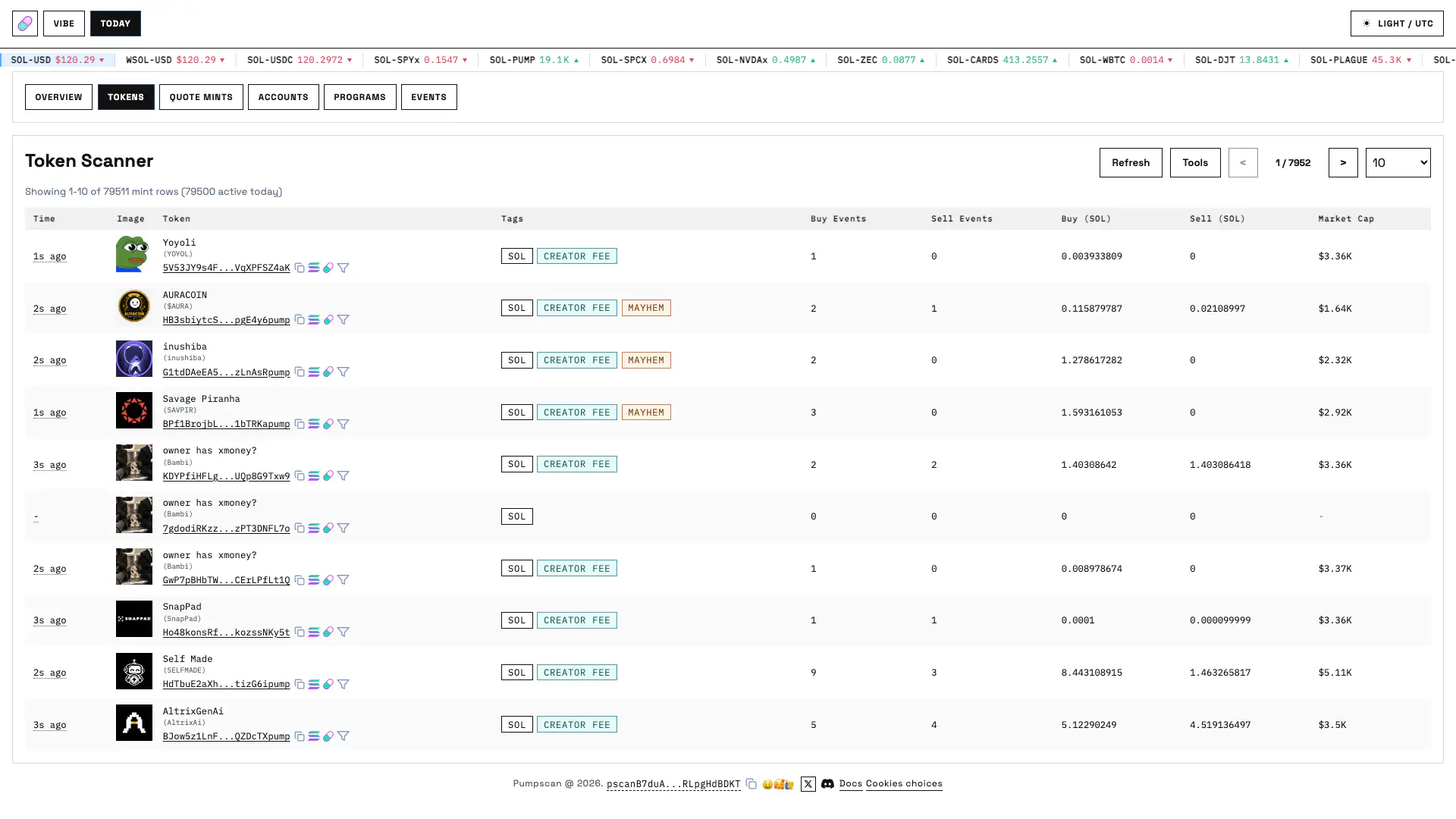
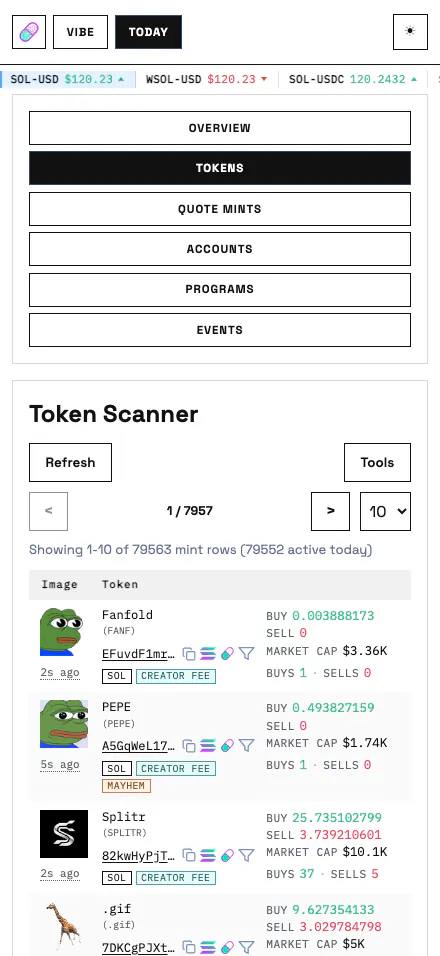
Use Token Scanner to build a shortlist: combine feature flags with creator or quote-mint context, rank the result by activity or flow, and open a token page for participant and event evidence.
| Area | Displayed data and controls |
|---|---|
| Token identity | Latest activity time, image, name, symbol, mint, quote mint and tags for holder rewards, creator fee, mayhem, charity and graduation. |
| Core metrics | Buy and sell event counts, buy and sell SOL flow and estimated market cap. Graduated market cap is visually frozen. |
| Optional columns | Creator and bonding curve can be shown together; buy/sell event counts form a second optional group. Buy/sell SOL and market cap remain part of the core table. |
| Filters | Exact mint, up to three creators, holder reward, creator fee, mayhem, charity, graduated or not graduated. A quote-mint link from Quote Mints applies the quote-mint URL filter. |
| Sorts | Updated At, Created At, Buy Events, Sell Events, Buy Amount or Sell Amount. |
| Table actions | Refresh, show or hide Tools, move between pages and select 10, 25 or 50 rows. |
| Metadata refresh | If cached bonding-curve metadata is missing, a row can request mint RPC/static metadata before opening its token page. |
Today Quote Mints
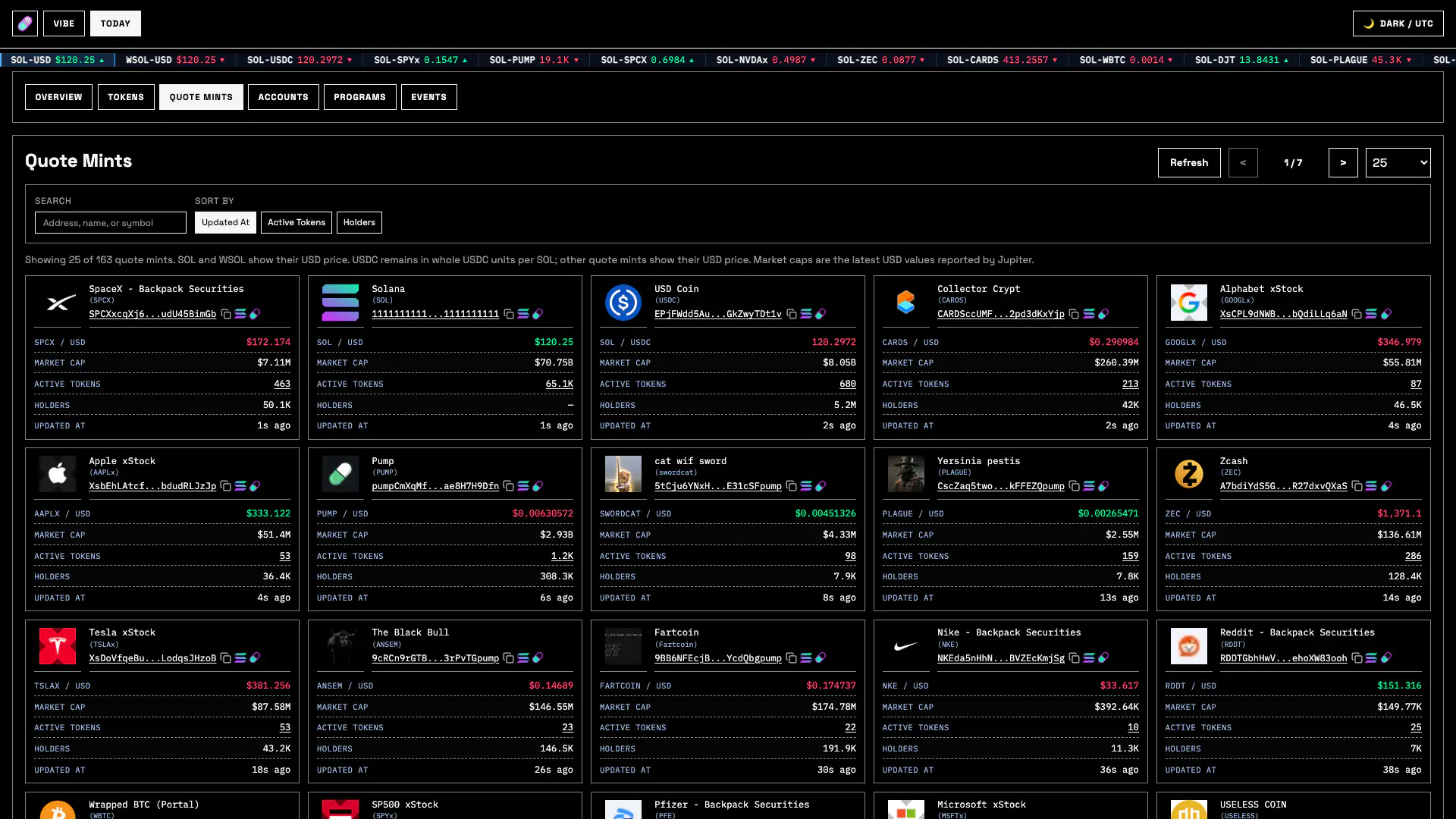
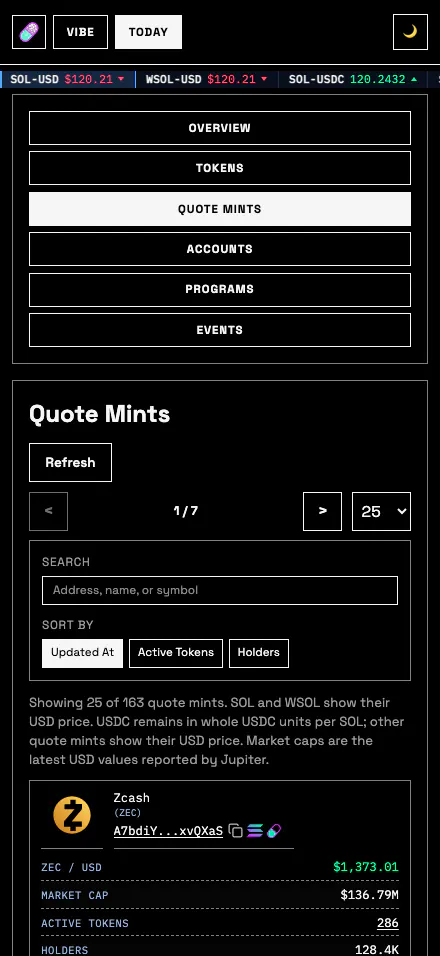
Use Quote Mints to discover which quote assets are actually active in the retained Pump market, then pivot into all tokens using one asset or open the asset's registry, rate and holder history page.
| Field or control | Meaning |
|---|---|
| Search | Debounced address, name or symbol search across retained trusted quote assets. |
| Sort | Updated At, Active Tokens or Holders. |
| Rate | SOL and WSOL display USD price; USDC displays whole USDC per SOL; other quote mints display their derived USD price. |
| Market Cap | Latest USD market capitalization reported by Jupiter when available. |
| Active Tokens | Retained Pump tokens using the asset as quote mint; the count links to Token Scanner with the quote filter applied. |
| Holders / Updated At | Current holder count when available and the newest retained quote-mint activity. |
| Table actions | Refresh, previous/next pages and 10, 25, 50 or 100 rows per page. |
Today Accounts
Raw Net is observed signed flow, not inventory-aware realized P&L. The table does not value remaining tokens or calculate wallet cost basis.
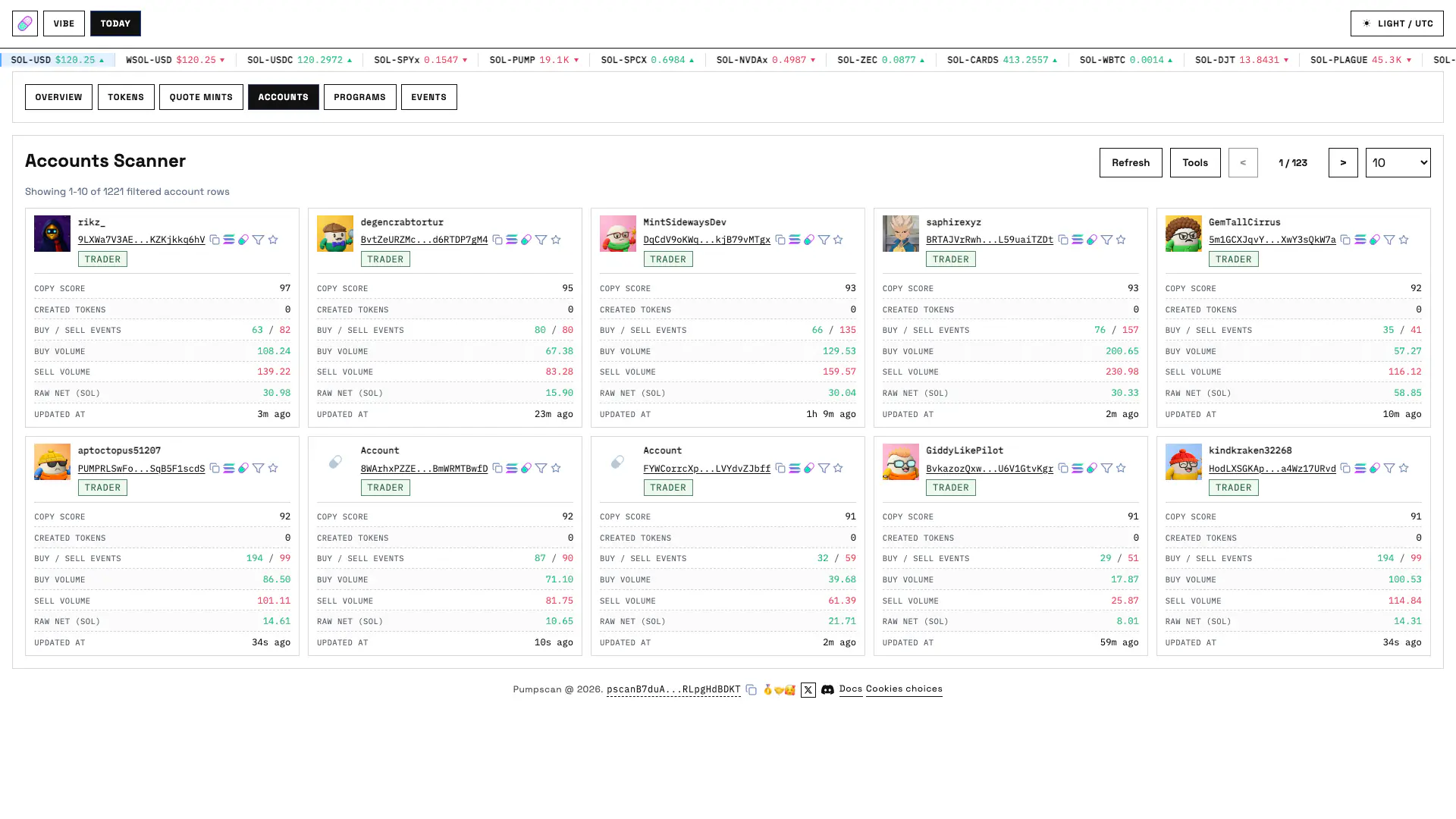
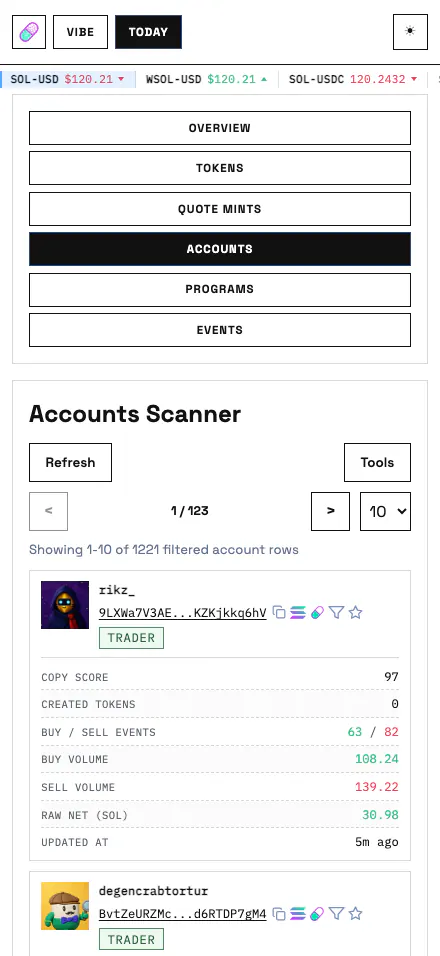
Use Accounts Scanner to find active creators, one-sided flow, watched wallets or currently rateable copy candidates, then verify the result on the account's Positions, Copy Scores and Events tabs.
| Field or control | Meaning |
|---|---|
| Account | Pump.fun profile when available, wallet address, creator/trader role tags, Entry/Exit Account tags and a watch-list star. |
| Copy Score | Current cached Today review score when the account is rateable; otherwise unavailable. |
| Created Tokens | CreateEvent count attributed to the wallet. |
| Buy/Sell Events | Observed daily trade-side counts. |
| Buy/Sell Volume | Observed daily SOL flow for each side. |
| Raw Net | Sell volume minus buy volume. Positive and negative values are signed observed flow, not inventory-aware P&L. |
| Updated At | Newest retained activity attributed to the account. |
| Filters | All, Creator or Trader roles; up to five wallet address prefixes; and All or Watched Only. |
| Sorts | Copy Score, Raw Gain, Raw Loss, Buy, Sell or Created Tokens. |
| Table actions | Refresh, show or hide Tools, move between pages and select 10, 25 or 50 rows. |
Today Programs
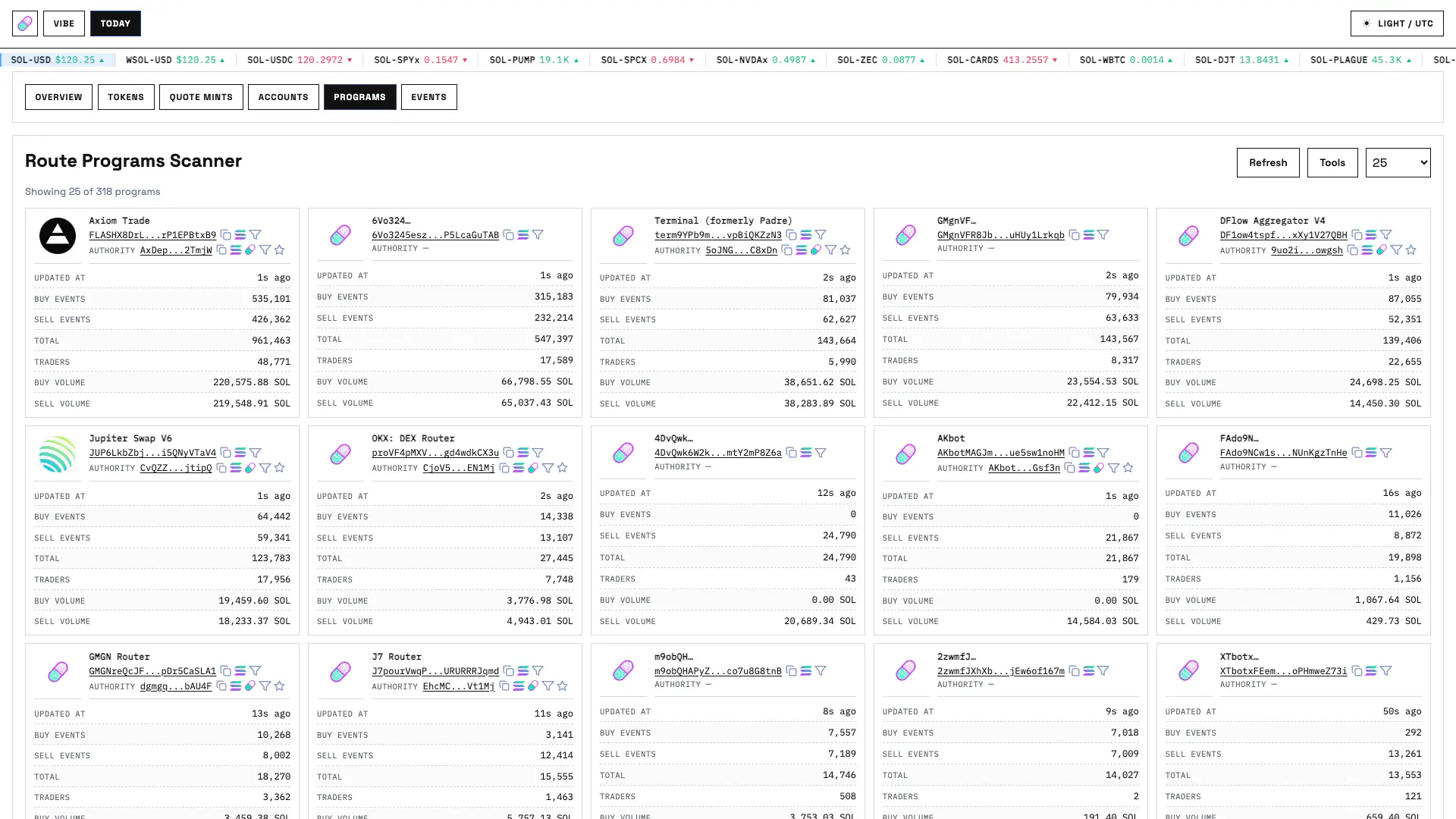
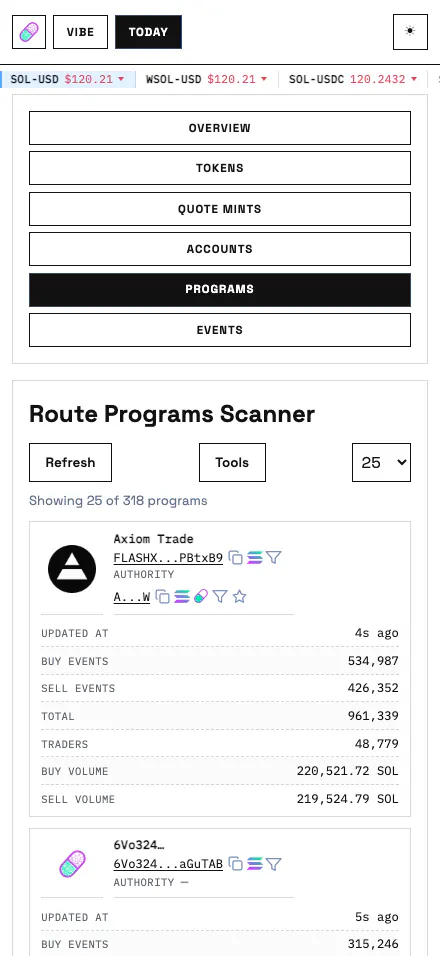
Use Route Programs Scanner to identify which upstream integrations are carrying Pump trades, compare their side mix and trader reach, or filter to programs controlled by a known upgrade authority.
| Field or control | Meaning |
|---|---|
| Program / Authority | Detected upstream route program, optional profile name and cached upgrade authority. |
| Buy/Sell/Total events | Routed trade-side counts and their sum. |
| Traders | Distinct routed traders attributed to the program. |
| Buy/Sell amount | Observed routed SOL flow. |
| Sorts | Total transactions, Buy Volume, Sell Volume or Unique Traders. |
| Filters | Up to five exact program addresses and up to five authority addresses; returned rows can be limited to 10, 25, 50, 100 or all. |
| Table actions | Refresh, show or hide Tools and move between result pages when a finite page size is selected. |