Vibe Bubbles aggregation
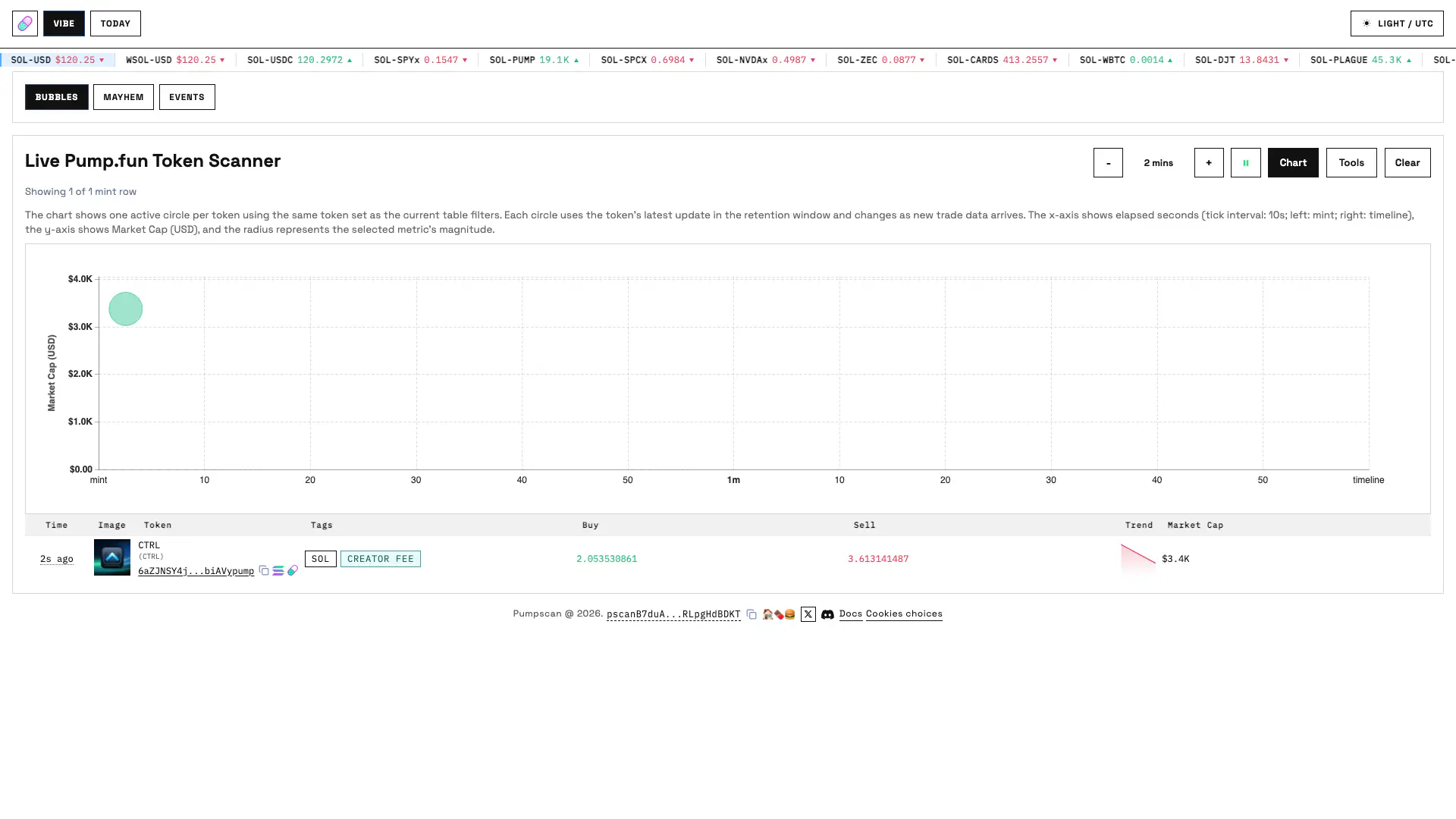
The chart metric can be Net, Market Cap, Volume, Unique Buyers, or Sell Events. Bubble radius represents the selected metric magnitude; horizontal position follows event time. On-chart filters can hide reserve dust and creator-only buyers.
Tag filters combine with AND: Any, quote mint, Cashback, Creator Fee, Mayhem, Charity and Graduated. Creator and user address filters further narrow the mint set, so a token must satisfy every active filter.
Use Bubbles to spot concentrated flow in the last few minutes, compare creator participation with broader demand, and open a token page before treating a large bubble as a trading signal.
| Metric | How it is built per mint |
|---|---|
| Buy / Sell | Sum of normalized quote amounts for retained TradeEvent buys and sells. |
| Net | Sell SOL minus buy SOL; bubble size uses the absolute value when Net is selected. |
| Volume | Buy plus sell SOL. |
| Unique Buyers | Distinct buyer wallets, including users attributed through swap or routing programs. |
| Sell Events | Number of retained sell trade events. |
| In Curve | Latest decoded real SOL reserves when available. |
| Market Cap | Virtual quote reserve divided by virtual token reserve, multiplied by token supply and converted to USD when needed. |
| Trend | Short market-cap sparkline assembled from retained trade reserve updates. |
| Longevity | Latest trade time minus creation time, or first trade time when creation is unknown. |
| Creator flow | Same-transaction creator initial buy, later creator buys and creator sells. |
Vibe Bubbles table controls
| Control group | Options |
|---|---|
| Columns | Time, Creator, Tags, Trend, Buy/Sell, In Curve, Market Cap, Creator Buy/Sell, Buy/Sell Event Counts, and Longevity. |
| Sort | Freeze, Updated At, Created At, In Curve, Market Cap or Longevity. |
| Retention | One to ten minutes in one-minute steps. |
| Stream | Pause/play controls whether new messages alter the UI; Clear removes retained client rows; Chart and Tools collapse those work areas. |
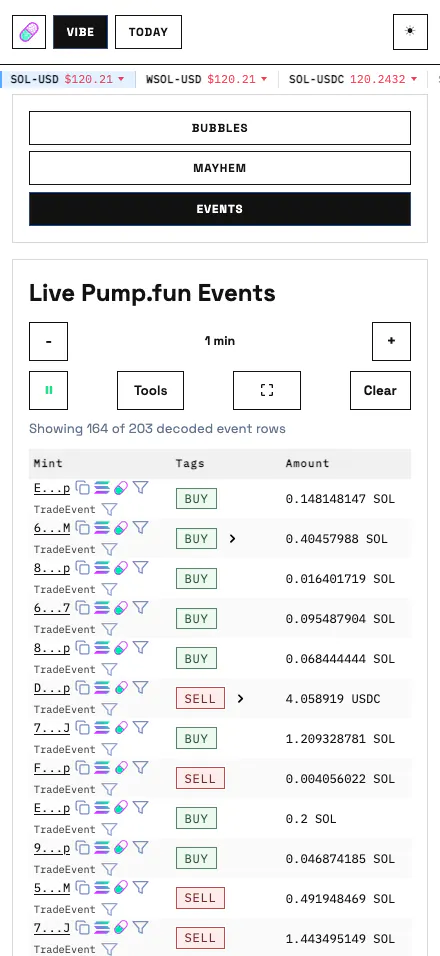
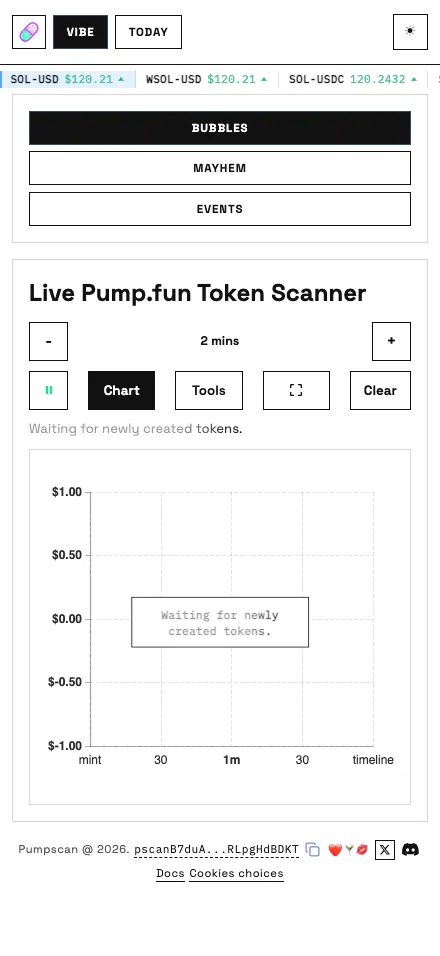
| Mobile | Fullscreen expands the live workspace; table fields reflow into labeled row details instead of cropping desktop columns. |
Vibe Mayhem
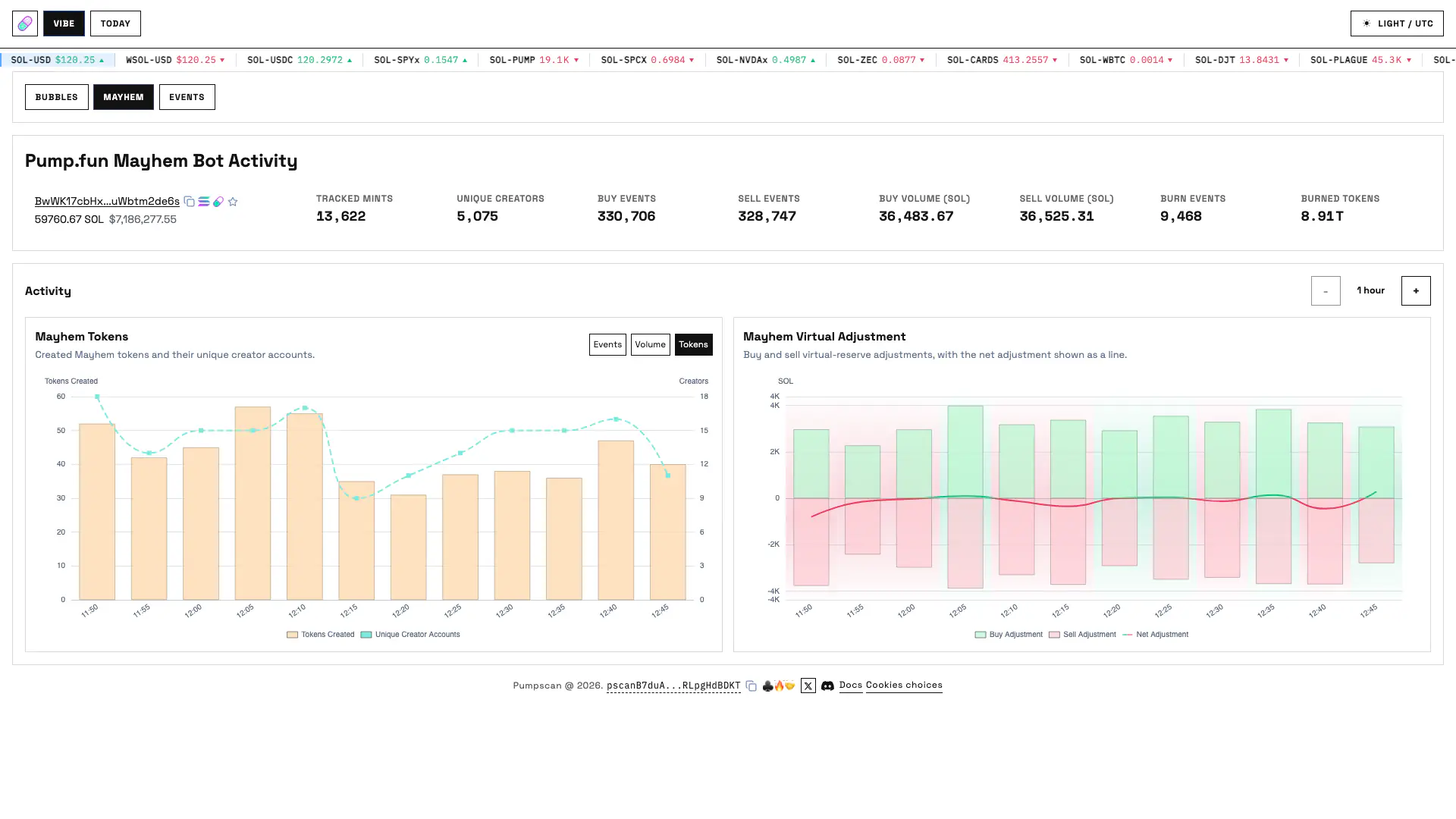
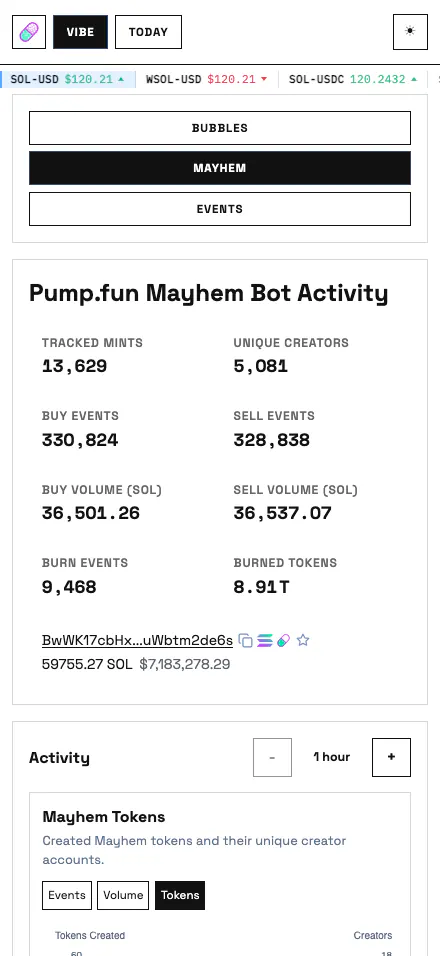
Use Mayhem to distinguish bot activity from the broader market, compare buy and sell pressure, and check whether burn activity or virtual adjustments coincide with a change in volume. The cards and charts are observational and do not imply profitability.
| Surface | Displayed information |
|---|---|
| Wallet | The configured Mayhem bot address, its short-lived RPC SOL balance and USD conversion. |
| Headline cards | Tracked Mayhem mints, unique creators, buy and sell event counts, buy and sell volume, burn events and burned token amount. |
| Window | A one-to-24-hour stepper. The page chooses an adaptive bucket size so short and long windows remain readable. |
| Mayhem Tokens chart | Switch among Events, Volume and Tokens. Event and volume views split buy and sell sides; Tokens shows distinct traded Mayhem mints per bucket. |
| Virtual Adjustment chart | Tracks decoded Mayhem virtual reserve adjustment over the selected window. |
| Live source | Seeds from Mayhem-only cached events and subscribes to the Mayhem event and metric topics. |
Vibe Events
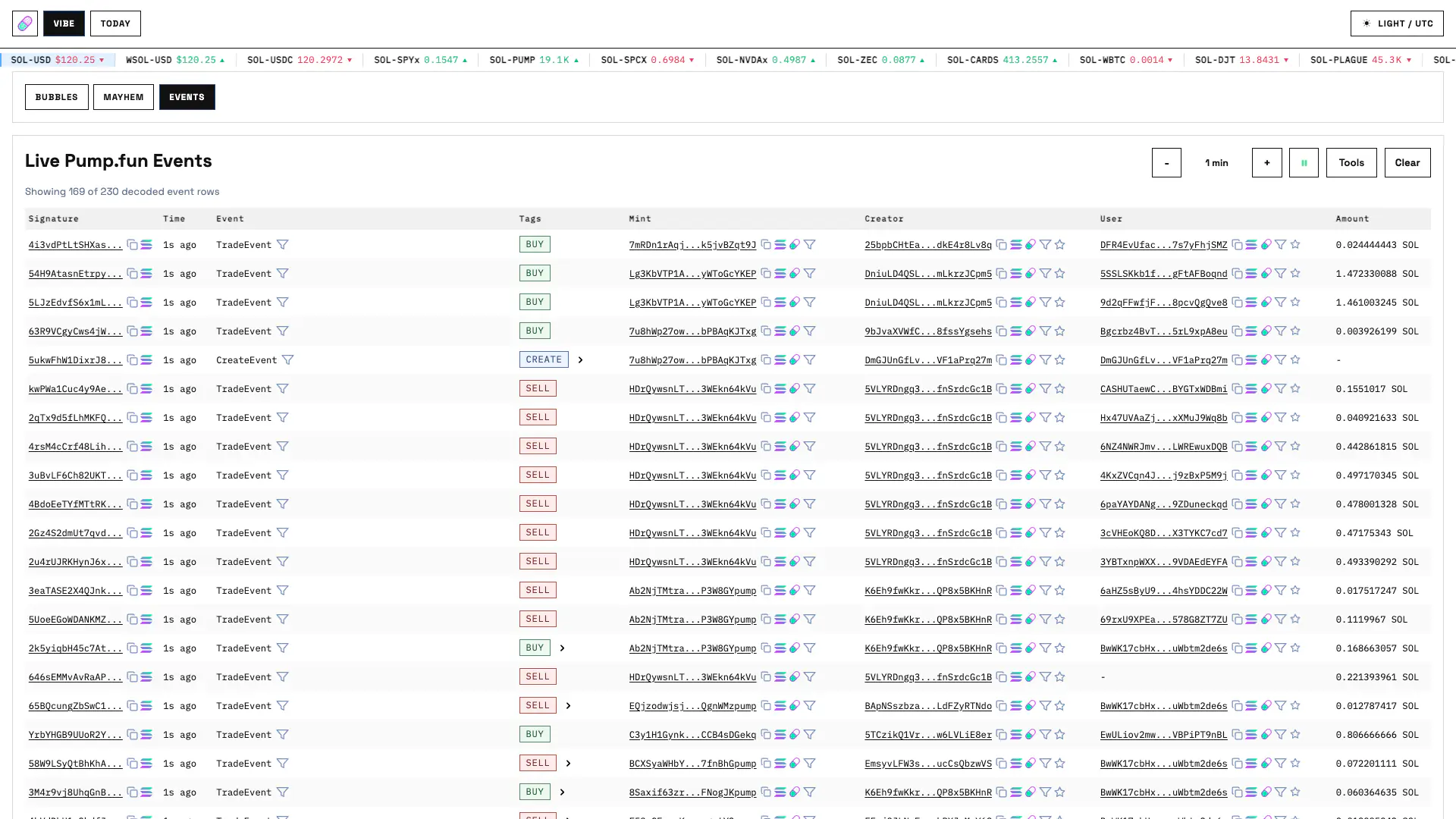
Unlike Today Events, Vibe Events is designed for immediate observation and client-side filtering rather than server pagination or CSV export.
Pause the stream when you need stable evidence, choose an exact event schema when inspecting one event type, or combine address and amount filters to watch a specific participant. Clear resets only the browser's retained rows.
| Area | Functionality |
|---|---|
| Generic view | Signature, relative time, event type, derived action, mint, creator, user and normalized amount. |
| Exact event view | Selecting an event type changes the table to that event's decoded schema columns. |
| Filters | Event type, one mint, one creator, one user and amount equal/less/greater/between. |
| Retention | One to ten minutes, maintained in the browser from cached and live event messages. |
| Stream controls | Pause/play, show or hide Tools, enter mobile fullscreen and Clear the browser's retained rows. |
| Transaction context | Signature links open original event JSON; grouped multi-event transactions can expand when that display preference is enabled. |
| Large streams | The table virtualizes rows with overscan instead of mounting the entire retained stream. |